
Two companions. A moment to yourself.
Cat Simulator — A Quiet Moment with a Virtual Cat
This cat simulator is about the small act of petting a resting animal. Move your mouse or slide your finger over a virtual cat, watch the nearby fur and body respond, and pause whenever you like. It is free to play in your browser, with no app download or account required.
Play the Pet the Cat Game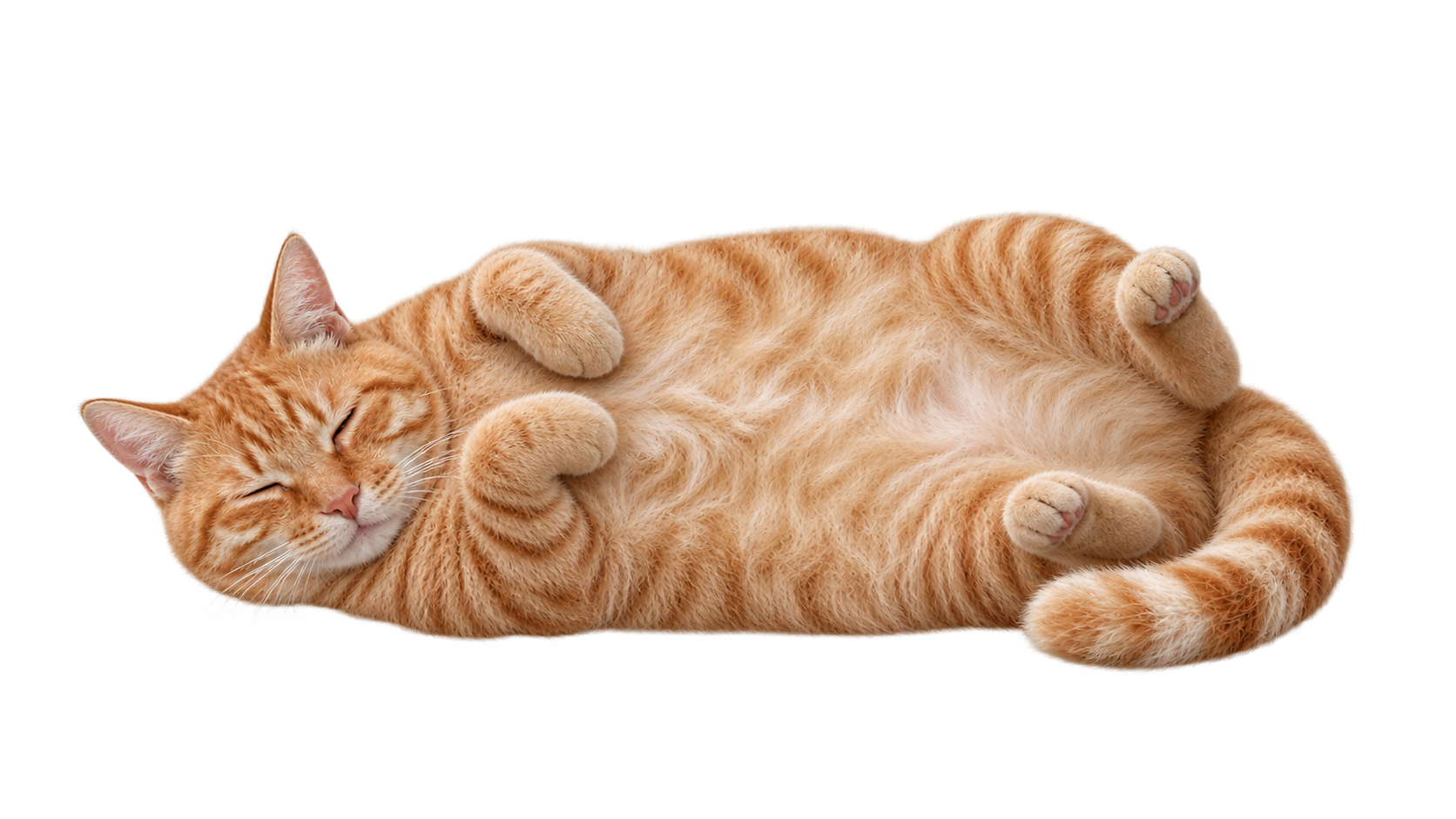
What kind of cat simulator is this?
You stay beside a sleeping cat on a sofa. The interaction centers on touch: where you stroke, how quickly you move, and how the animal's surface settles afterward. A visible hand follows your pointer, making the connection between your movement and the scene easy to follow. You can make one slow pass over the back or spend a few minutes exploring different poses.
The scene has no walking map, feeding schedule, hunger meter, or collection of chores. You are not steering the cat around a house. It is a focused petting experience, so you can begin without learning movement keys or managing a virtual household. There is no score for staying longer, and nothing is lost when you stop.
Cat simulators can mean different things: open-world animal adventures, pet-care games, clickers, or simple touch experiences. This one belongs to the last group. Explore the game’s three view angles, sound controls, and companions to see what you can try in the scene.
Meet eight cats in three resting poses
Marmalade is the starting orange tabby, with warm stripes and a sleepy face. Mochi is a blue-gray British Shorthair with rounded cheeks and a plush coat. Patches is a calico, Coco a Siamese, Luna a silver tabby, Onyx a black cat, Maple a Maine Coon, and Cloud a Ragdoll. Use the Cat menu on the playing page to switch companions. The same controls work for all eight, so changing the cat does not require learning another set of gestures.
Side keeps the face, resting paws, back, and curled tail together in the scene. Sprawl shows a stretched-out cat resting on its side, viewed from above. Belly shows a relaxed cat lying belly-up, opening a larger central area for your strokes. All eight cats have all three poses. Try one view for a few passes before switching, so you can notice where the body responds.
These poses use separate generated photographic-style images. The simulation adds local movement to the image; it is not a live animal feed or a three-dimensional cat you can rotate freely. The background stays in place while nearby body areas respond to your hand. View changes load another picture, so give the new scene a moment to appear on a slower connection.
Try three simple gestures
- A slow stroke. Move over the shoulder and along the back. Watch the area near your hand soften, then move away and let it settle. A short pause makes the response easier to notice than constant rapid movement.
- A change of direction. Make a shorter pass over the head or belly, then reverse direction gently. Contact position and movement affect the local response. You do not need to click repeatedly or fill a progress bar.
- A gentle tail drag. Press or touch the tail, move a short distance, and release. The tail has a limited stretch and a springy return. Start fresh restores the petting deformation and tail position while keeping the selected cat and view.
On desktop, the on-screen hand follows your mouse within the scene. On a touchscreen, place your finger on the cat and slide. Moving within the playing surface is reserved for interaction rather than page scrolling. Use the guide link or move outside the game when you want to read. The step-by-step gameplay guide covers the controls in their playing context.
Choose sound, breathing, or a stiller scene
The short petting sound responds to moving contact. Click Enable sound, or interact with the cat once, to let the browser start audio. Keep stroking to hear the clip. When your hand stops or leaves the cat, playback stops too. Sound on permits the response; it does not start a continuous background soundtrack.
Breathing adds a slow rise and fall around the torso, separately from the impression made by your hand. The orange side pose has tuned chest and belly movement to keep the head and resting extremities steadier. Turn Breathing off if you prefer stillness. A browser requesting reduced motion starts with passive breathing disabled until you choose to enable it.
Your breathing preference is remembered in this browser when local storage is available. Sound and motion controls let you adjust the scene to your setting: a silent visual break at a shared desk, or gentle touch feedback when you have headphones. Neither setting changes the available cats or poses.
A cat simulator for a wide screen or a phone
A landscape display gives the cat and your hand more room. Turn a phone sideways for the widest interaction area. Supported touch devices held upright can show a rotated game layout, with the touch position kept aligned to the picture. This reading page stays upright, so you can move between playing and reading without rotating paragraphs.
Fullscreen expands the playing surface using the browser's fullscreen support or a page-filling alternative. Use the exit control or Escape to return. If a gesture is interrupted by rotating your device or changing the window size, release and start a fresh stroke. The scene resets the interrupted contact so a tail drag does not stay attached.
The game needs browser graphics support and an internet connection while its images and audio load. If a view fails to load, the previous cat stays visible and you can retry the selection. For a silent clip, check the game's sound button and your device volume, then make a fresh stroke after clicking or touching the page.
Cat simulator questions
Can I walk around as the cat?
You interact as the person petting a resting companion. The cat stays on the sofa, and you move the on-screen hand with a mouse or finger. There are no walking controls or WASD movement.
Does this simulator have an open world?
The experience takes place in one cozy sofa scene. There is no explorable city, house map, hunting area, or roaming mode. Each visit focuses on touch and the cat's local response.
Is the cat a freely rotating 3D model?
The scene uses generated photographic-style images with interactive movement. You can select Side, Sprawl, or Belly, but you cannot orbit a camera or rotate a three-dimensional model. See the three view screenshots before choosing a pose.
Does the cat need food, grooming, or daily care?
There are no hunger meters, grooming chores, or daily care requirements. The resting companion is available whenever you return, without a schedule to maintain or items to collect.